
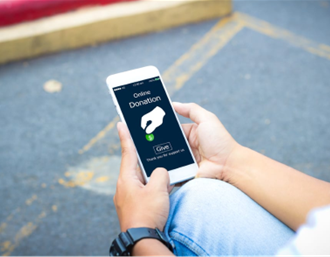
 Online giving makes donating to your parish simple and easy, regardless of where you are. It’s convenient, flexible, and secure, and when you set up recurring giving, it provides your parish with more consistent contributions throughout the year.
There are several ways to do it:
Set Up Online Giving on the Donate Page
Click the Online Giving link for your parish – you can create an account and set up a Recurring Donation for your parish (weekly, monthly, annually – it’s up to you!) using a credit/debit card, bank account, Venmo, or Paypal. You can also make a One-Time gift without setting up an account.
Text-to-Give From Your Phone Using ApplePay, PayPal, or a Credit/Debit Card – It’s So Easy!
- Text GIVE to your parish’s Text-to-Give Number
St. John: 781-236-7680 St. Paul: 781-236-7768
- You will receive a response with a link to your parish’s giving form – tap the link and follow the prompts.
- You can complete your donation with ApplePay or PayPal, or by using a credit or debit card.
Save the number in your phone to make future giving easier!
Online Bill Pay with Your Bank
Contact your bank or other financial institution to set up an automatic payment to donate weekly, monthly, or annually to your parish.
If you have any questions or require further assistance, please reach out to our Business Office by calling either parish: St. John: 781-235-0045 St. Paul: 781-235-1060